Welcome to the latest episode of ModSpoti, where we will discuss changing your Spotify profile picture. I shared the simplest method for creating a Spotify account in a previous episode. In this concise tutorial, I will guide you through customizing your Spotify profile picture step-by-step.
To change your Spotify profile picture, the steps may differ depending on your device. For your convenience, I will provide instructions for the application’s Android and desktop versions.
How To Change Spotify Profile Picture on Android?
Follow the steps listed below if you want to change your Spotify Profile on Android.
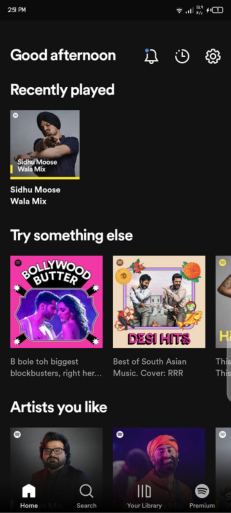
Open the Spotify application and Login to your Spotify account.
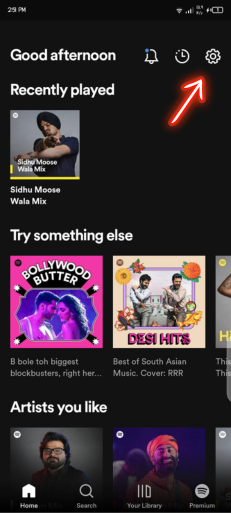
Here click on the setting gear icon at the top right corner of your screen
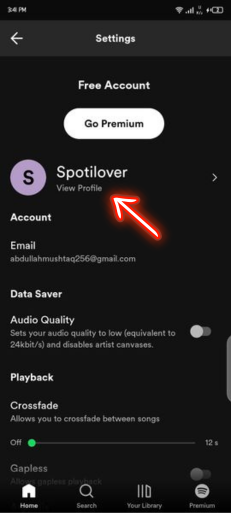
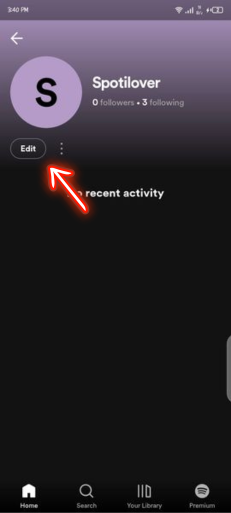
Open your profile by clicking on the View Profile option.
Now Click on Edit.
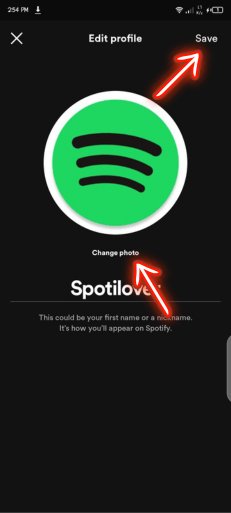
Click on Change Photo and select the picture you want to use in your Spotify Account and select Save.
Your Spotify Profile Picture is updated.
How To Change Spotify Profile Picture on Desktop?
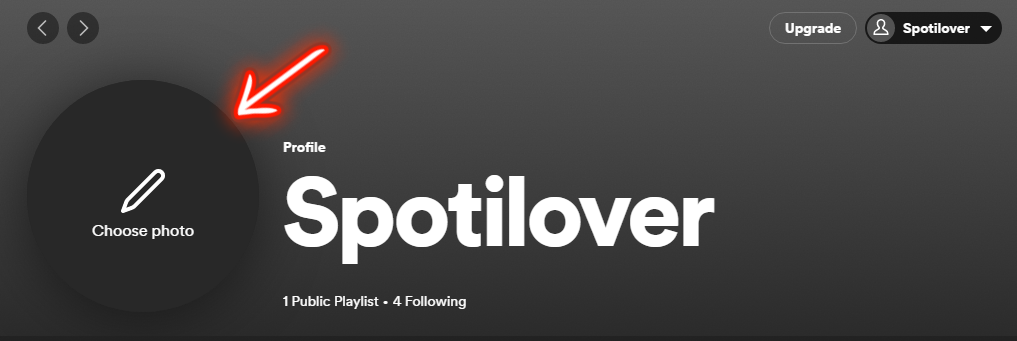
Follow the steps below if you want to change your Spotify Profile Picture on the Desktop.
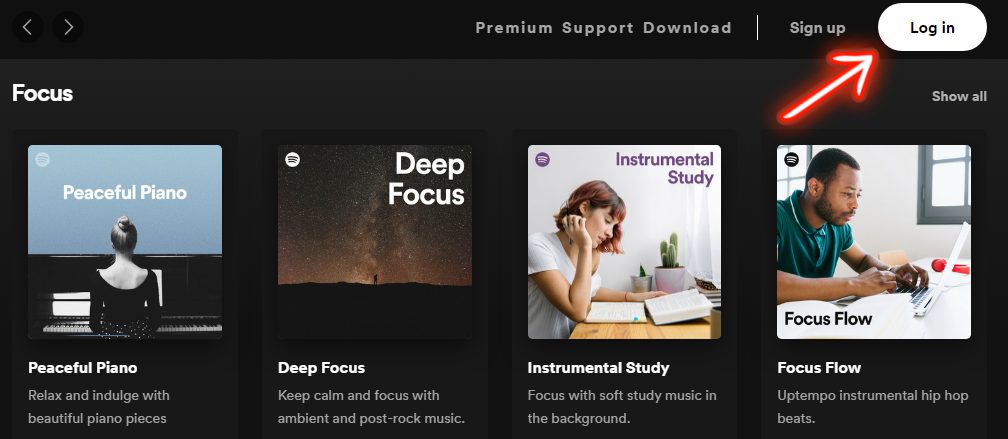
Open Spotify Application and log in to your Spotify Account by clicking the login button.
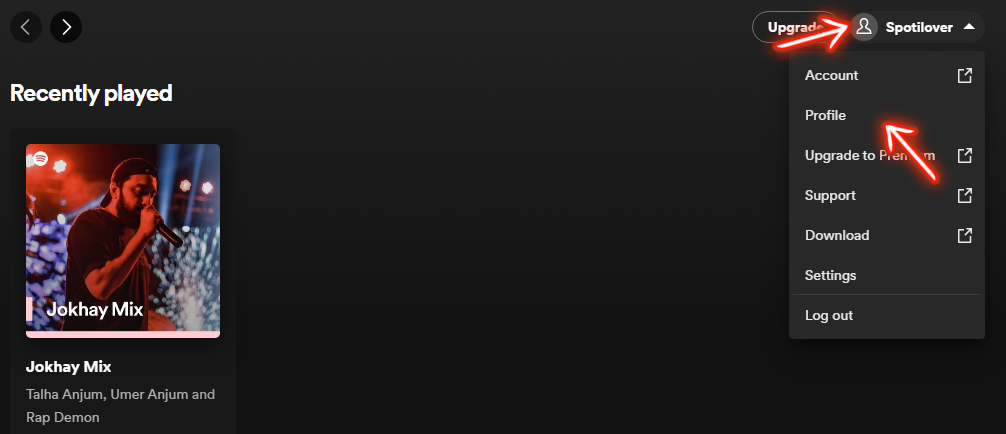
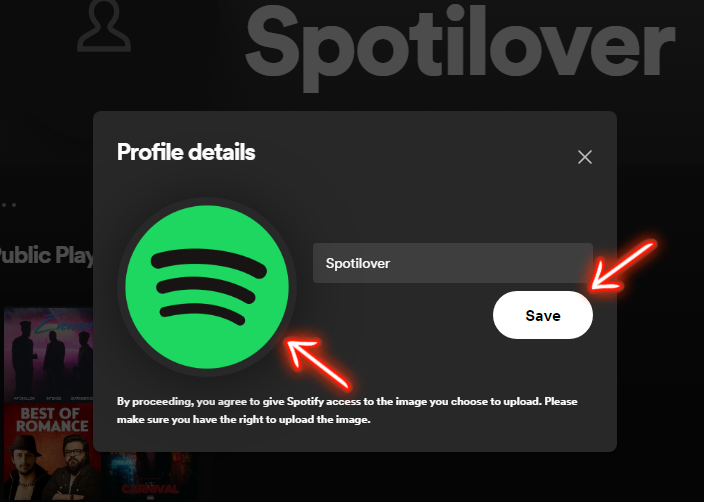
After that, click on your profile and then visit the Profile section.
All done. Your Spotify Profile picture is updated.
Spotify Profile Picture Requirements
Spotify does not publicly publish strict technical specifications, but based on platform behavior, the following guidelines are recommended:
Use a square image (1:1 aspect ratio)
Minimum 300 x 300 pixels recommended
JPG or PNG format
Avoid blurry or pixelated images
No copyrighted images unless you own rights
No inappropriate or offensive content
Using a high-resolution square image ensures it displays correctly across devices and in circular crop previews.
Final Thoughts
As an experienced Spotify user and music enthusiast, I aim to share my comprehensive understanding of Spotify Premium APK, gained over several years of using the platform. I have authored detailed guides on topics such as the Pros & Cons of using Spotify Premium and Alternatives, which you may peruse to augment your knowledge of Spotify. If you find this guide helpful, please share your thoughts in the comments section below so that I can produce similar content.
Frequently Asked Questions (FAQs)
Yes. The steps are similar to Android. Open the Spotify app, go to your profile, tap Edit Profile, and change your photo.
A square image of at least 300 x 300 pixels is recommended for best clarity.
You may be using an outdated app version or a Facebook-linked account that restricts manual uploads.
Usually instantly, but sometimes it may take up to 30 minutes to sync across devices.
Spotify does not provide a direct “remove” option. You can replace it with another image instead.